
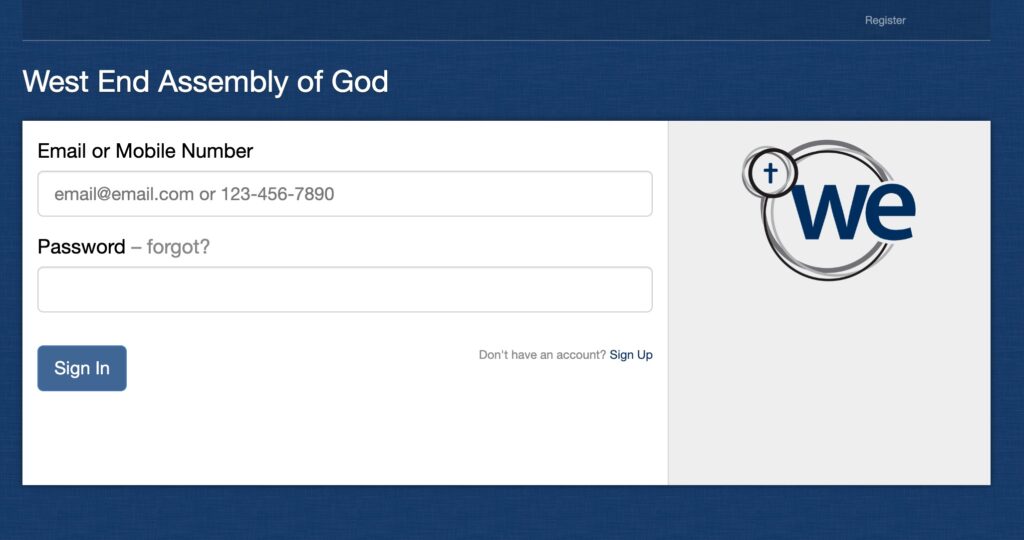
STEP 1
- Fill out information to Log In
STEP 2
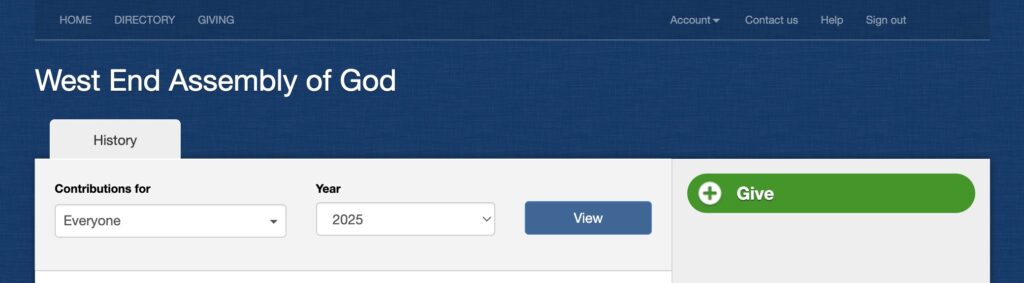
- Click the Green “Give” Button.
STEP 3
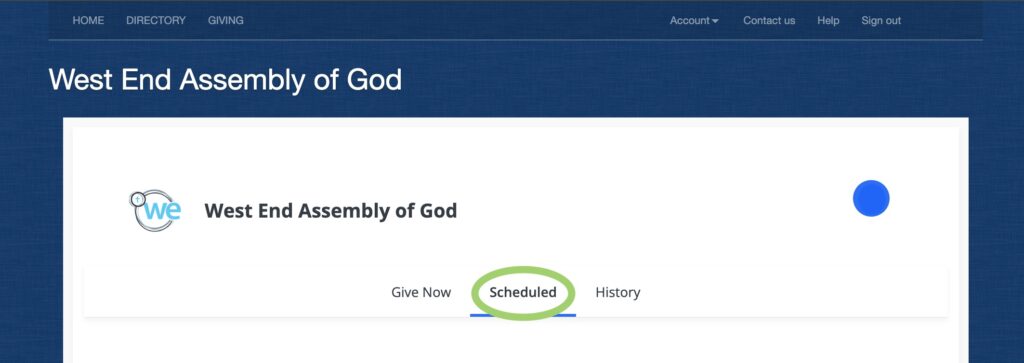
- Click the “Scheduled” tab.
STEP 4
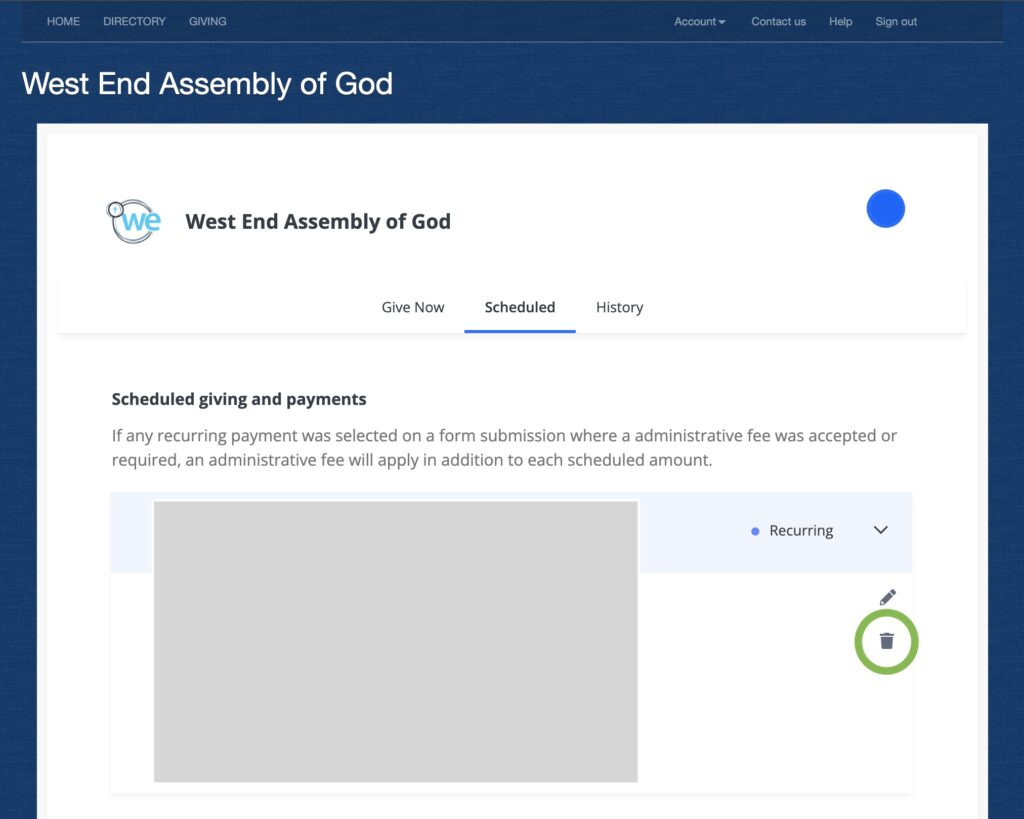
- Click on the small Trashcan symbol next to your scheduled giving.
YOU’re all done!
(While you’re logged in we would suggest downloading giving records if you need them for end of year tax purposes)
SET UP Church CENTER Giving
Church Center Giving is very user friendly and should be much easier to use moving forward. This is a quick walk thru of how to set up Regular Giving within Church Center.